Now on the App Store and Google Play
Your AI agents are working.
You don't have to babysit them.
Watch and steer Claude Code, Codex, Gemini CLI, Grok, Cursor, and Scoot from your phone, wherever they run. Approve a tool call, answer a question, send a new prompt, or schedule one for later, with one tap, end-to-end encrypted, from anywhere.
Download for macOSOn Linux? Install with one command →
Available on iPhone, iPad, and Android


Agents At Work supports
Not affiliated with Anthropic, OpenAI, Google, xAI, Anysphere, or Ollama.
How it works
Want the full walkthrough? See the tutorial →
- Install the companion on the computer where your agents run: the menu bar app on a Mac, or one install command on Linux. Both are free and run aaw-core, our open-source engine. There is no account to create: the computer is ready to pair with your phone right away.
-
Download the mobile app on iPhone or iPad (App Store) or
Android (Google Play). No sign-in needed on the phone.
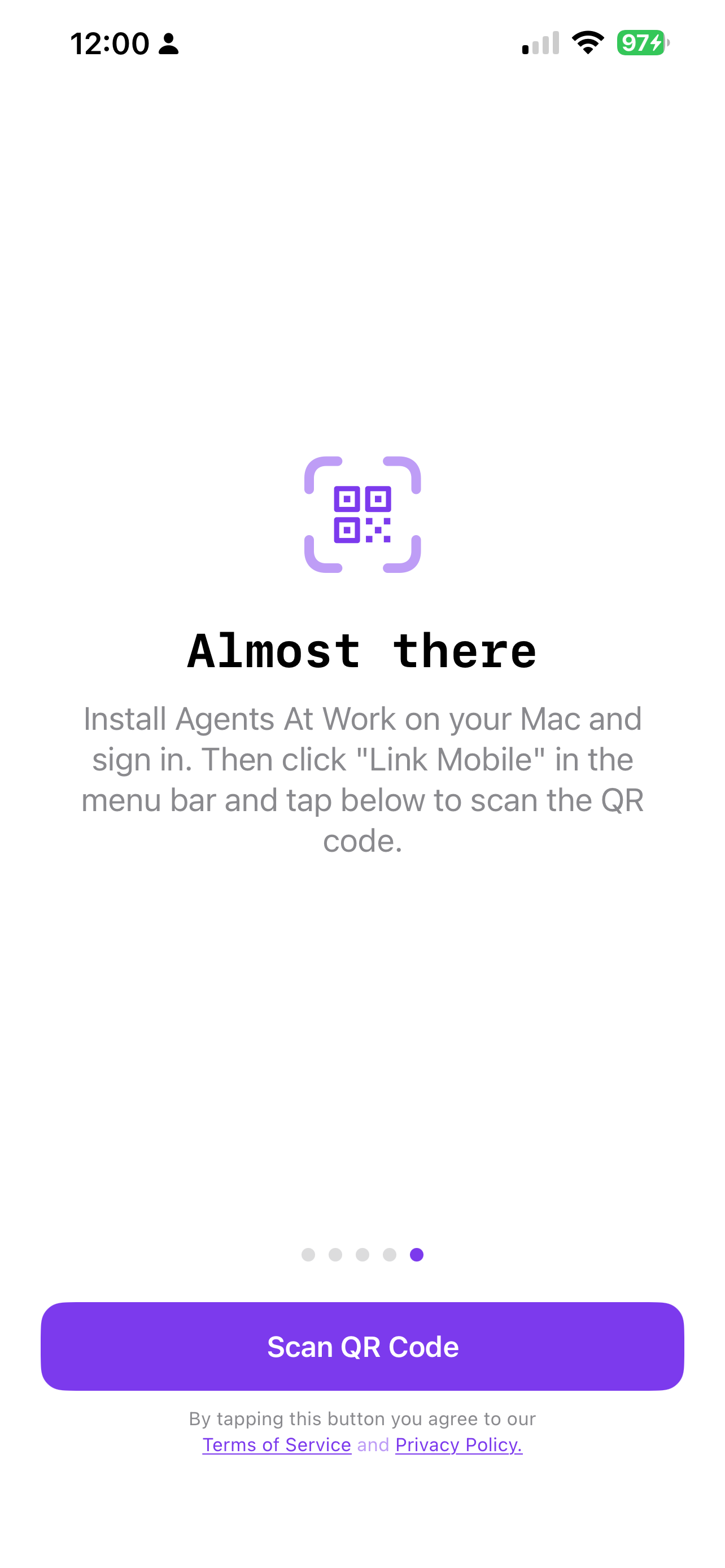
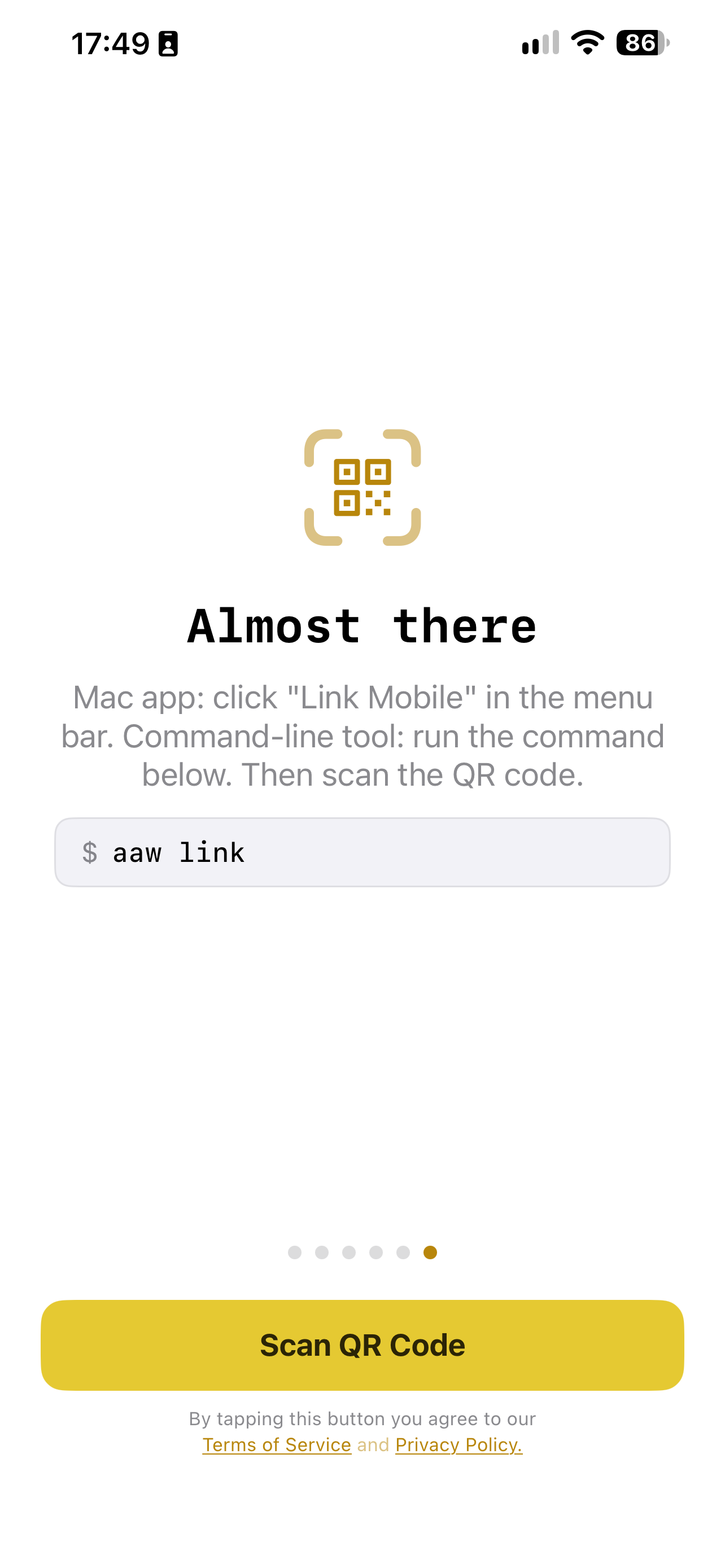
Open it, go through the quick onboarding, and tap Scan QR Code
(later, you add a computer from Computers with the QR icon).
Point your camera at the QR code the Mac app shows under Link Mobile,
or the one
aaw linkprints in the terminal on Linux, and you are done. Your phone is linked, and the communication channel is end-to-end encrypted, in one step. - Leave Claude, Codex, Gemini, Grok, Cursor, or Scoot running. You'll get a notification the moment the agent needs a decision. Tap Yes or No right from the notification, or from your Apple Watch.
Control everything from your pocket
Follow sessions on several computers at once, and answer a permission prompt with one tap.
Everything you need to step away
Push notifications with action buttons
When the agent asks to edit a file, run a command, or make a decision, you get an instant notification with Yes / No buttons. Answer directly from the lock screen, no need to unlock or open the app.
Live conversation feed
Every message, tool call, and assistant response streams to your phone in real time. A status bar shows "Wrote main.py", "Ran: npm test" between turns so you always know what's happening.
Mac and Linux
On a Mac, a menu bar app, or the same headless engine Linux uses, for a
Mac mini or any Mac nobody sits at. On Linux, a background service and the
aaw command. Headless, you start an agent over SSH on a home
server, a cloud VM, or a Mac in the closet, log out, and keep controlling it
from your phone. Every machine pairs with the same phone app and shows up in
one list.
End-to-end encrypted
Conversation content is AES-256 encrypted on your computer before it leaves it. The key is exchanged once, through the QR code you scan, so only your computer and your phone can read it. The relay that carries the messages only ever sees ciphertext.
Auto-approve mode
Toggle "Allow all for this session" when you trust the agent to proceed without interruption. Resets automatically when you send a message or the session ends.
Schedule a prompt for later
Queue a prompt now and the agent runs it at a time you pick, e.g. 2 AM
when your token limit resets, so a spent quota turns into work done
overnight. Set, edit, or cancel it from the phone, the Mac, or the Linux
aaw command.
Send a message mid-session
Use the BTW field to nudge the running agent: corrections, new instructions, or extra context, without stopping its flow.
Multiple computers and projects
One computer is free. The Personal plan follows up to 3 computers and Pro up to 15, Mac and Linux in any mix. You subscribe in the phone app. Each shows its detected agents and live sessions; tap any project to open its conversation.
Works on Apple Watch & Wear OS
Because the app uses standard iOS and Android notifications, permission prompts arrive on your watch automatically, no extra setup. Tap Yes or No on your wrist and the agent continues without you reaching for your phone.

Sounds exactly like what I wanted. I know some of the agents already support this, but not all to the same feature set and I bounce around between my agents a lot. Excited to see how this turns out!
Our phone is the sun of our personal device solar system, having the remote control there makes so much sense!
Up and running in under a minute
Six quick screens. Tap the phone to walk through them. Want the full walkthrough? See the tutorial →
What you need
Mac
- macOS 14.6 Sonoma or later
- Claude Code, Codex, Gemini CLI, Grok, Cursor, or Scoot for local (Ollama) and cloud models
- Agents At Work menu bar app (free, no account)
- Or headless, without the app: Python 3.11+ and tmux, which may also cover macOS versions older than the app supports
- Download →
Linux
- Ubuntu, Debian, Fedora, RHEL, or any systemd distro
- tmux 3.2 or newer, Python 3.11 or newer
- Claude Code, Codex, Gemini CLI, Grok, Cursor, or Scoot for local (Ollama) and cloud models
- aaw-core, the open-source engine (the one-line install sets it up)
- One-line install →
iPhone and iPad
- iOS or iPadOS 17.6 or later
- Available on the App Store, with its own iPad layout
- Links to your computer with a QR scan, no account needed
Android
- Android 7.0 (API 24) or later
- Available on Google Play
- Links to your computer with a QR scan, no account needed
Run free local AI models on your own hardware.
Control them from your phone.
Scoot 🛴 is our own open-source CLI agent
(MIT on GitHub),
and it runs free local models with Ollama. Pick a model as
provider/model, start a session, and send prompts from your phone
exactly as you would with Claude, Codex, or any other agent. Local models such as
qwen2.5 and qwen3 read and write files, run shell
commands, and complete multi-step tasks on your computer while you're away from it,
the same workflow as Claude Code, but private and free.
The more memory your machine has, the more capable the model, from a 7 B model on 8 GB to models that rival cloud services on 64 GB or more. Which model fits your machine →
Because local models run on your hardware, your prompts never reach a third-party
AI service. No API key. No per-query charges. When you want more, add your own key
and Scoot reaches cloud models too, OpenAI, Anthropic,
and more, with compaction, sessions, and a router that can send a job to a cheap
local model or an expensive cloud one. On a Mac you start a Scoot session and pick a
model; on Linux, aaw start ~/proj --agent scoot --model ollama/qwen2.5:latest.
Not just for developers
"I use it for writing posts and articles, planning our Europe trip, brainstorming, basically anything where I want an AI agent working on something while I'm away from my desk. Had an idea during a run last week, fired off a prompt from my phone, and came back to a full draft."
Have a proposal, or need to deploy this to a bigger team?
Happy to work with you directly on rollout, custom integrations, or whatever you have in mind. Let's figure it out together.
support@answersolutions.net · We reply within 1–2 business days.
Get the companion for your computer
Free on both platforms, and both run the same open-source engine. The Mac app is notarized by Apple. On Linux, one command installs the engine from PyPI into its own folder, no root needed.
macOS
Menu bar app. Direct download, no Mac App Store required.
Download AgentsAtWork.dmg- Open the downloaded
.dmgfile. - Drag Agents At Work to your Applications folder.
- On first launch, macOS may show a Gatekeeper dialog, click Open. The app is notarized by Apple.
- Click Link Mobile in the menu bar and scan the QR code with the phone app. There is no account to create.
Running a Mac mini, a Mac server, or an older Mac with nobody at the screen? Skip the app and install the engine the way Linux does: pipx install aaw-core, then aaw link. Headless Mac setup →
Linux
A background service plus the aaw command, from the open-source aaw-core. Runs headless on laptops, servers, and cloud VMs.
curl -fsSL https://agentsatwork.app/install-linux.sh | bash
- Run the command above. It installs the engine into
~/.local/share/aaw-core, asks which relay to use (ours is free for one computer), and prints a QR code. - Scan the QR code with the phone app. Your Linux machine appears next to your other computers, and a user service keeps its sessions bridged in the background.
- Run
aaw start ~/your/project, or justclaudein the project folder. Linux walkthrough →
- Update the phone app first. Then, on each phone, remove the old computer (swipe it away), or open Settings and tap Unlink this Phone.
- On a Mac, install the new app over the old one and open it. It cleans up what the old version left behind. Then click Link Mobile and scan the QR code.
- On Linux, run the install command above again, or run
aaw updatewith the old tool. Either way the new engine replaces the old one, and you scan the QR code it prints.
Sessions started under the earlier version are not carried over, so start them again after you link. Step-by-step details in the tutorial →
Need to install an agent CLI (Claude Code, Codex, Gemini, Grok, Cursor, or Scoot for local Ollama and cloud models), or install tmux? Full setup walkthrough in the tutorial →